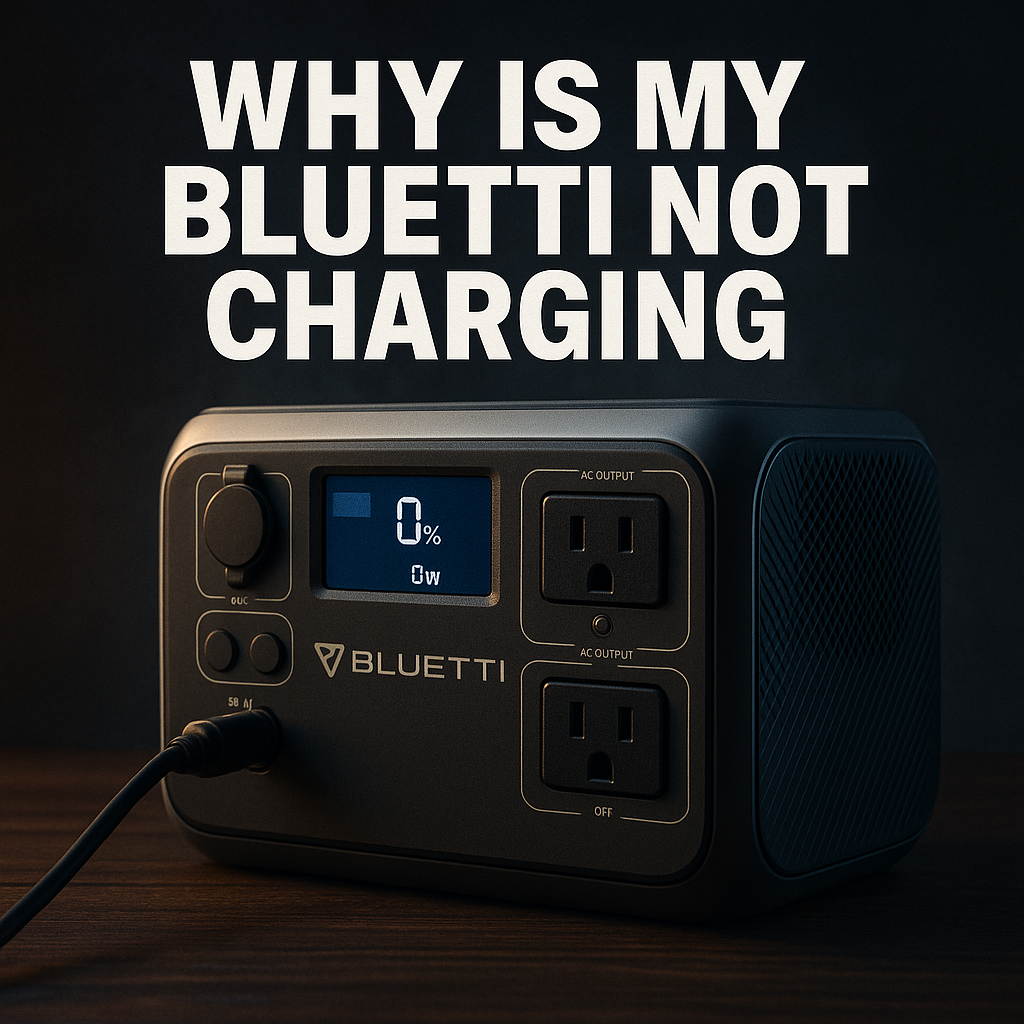
Understanding why your Bluetti power station isn't charging can be frustrating, especially when you rely on it for essential power needs. Bluetti products, such as the AC200P and EB150, are designed for efficiency and reliability, yet various factors can hinder their charging capabilities. This article delves into common issues that may prevent your Bluetti from charging, offering practical solutions and insights based on real-world experiences. By addressing these problems, you can ensure that your portable power station remains a dependable source of energy for your outdoor adventures, emergency situations, or everyday use.
Common Reasons Your Bluetti Power Station Isn't Charging
Understanding the Basics of Bluetti Charging Systems
- Charging Ports: Bluetti models typically feature multiple charging ports, including AC, solar, and car charging options.
- Battery Management System: Each unit is equipped with a smart battery management system that optimizes charging and discharging cycles.
- Input Voltage Range: Each model has a specified voltage range for optimal charging; exceeding this range can cause issues.
Checking Power Sources: AC, Solar, and Car
- AC Charging: Ensure the AC adapter is properly connected and that the outlet is functional.
- Solar Charging: Verify that your solar panels are receiving adequate sunlight and are compatible with your model.
- Car Charging: If using a car charger, ensure the vehicle is running and the connection is secure.
Inspecting the Charging Cable and Adapter
- Physical Damage: Look for frayed wires or damaged connectors that could impede charging.
- Compatibility: Ensure that the charger is the original one provided by Bluetti or a certified replacement.
- Connection Quality: Check if the connection between the charger and the power station is firm and free of debris.
Battery Age and Health Considerations
- Battery Lifespan: Lithium-ion batteries typically last 2-3 years; older batteries may not hold a charge effectively.
- Charge Cycles: Frequent deep discharges can reduce battery life; maintain a charge level between 20-80%.
- Temperature Effects: Extreme temperatures can affect battery performance and charging efficiency.
Environmental Factors Impacting Charging
- Temperature Extremes: Bluetti units are designed to operate within a specific temperature range; excessive heat or cold can hinder performance.
- Humidity Levels: High humidity can lead to corrosion of internal components, affecting charging.
- Altitude Considerations: At high altitudes, the air is thinner, which can impact solar charging efficiency.
Firmware Updates and Software Issues
- Firmware Checks: Ensure your Bluetti device is running the latest firmware for optimal performance.
- Resetting the Device: Sometimes, a simple reset can resolve software glitches affecting charging.
- Manufacturer Support: Consult Bluetti's website for any known issues or updates related to your specific model.
Identifying Faulty Components
- Internal Components: If the charging port or battery management system is faulty, professional repair may be necessary.
- Warranty Coverage: Check if your unit is still under warranty for potential repairs or replacements.
- Diagnostic Tools: Use a multimeter to test the output of your charging sources.
Real-World Usage Scenarios
- Camping Adventures: Users often rely on solar charging while camping; ensure panels are positioned correctly for maximum sunlight.
- Emergency Preparedness: In power outages, maintaining a charged Bluetti can be crucial; regularly check charging status.
- Home Office Use: For those using Bluetti as a backup power source, consider a dedicated charging setup.
Understanding the LED Indicators
- Charging Status: Familiarize yourself with the LED indicators on your Bluetti to understand its charging state.
- Error Codes: Learn what different blinking patterns or colors mean for troubleshooting.
- Battery Level Indicators: Regularly monitor battery levels to avoid unexpected shutdowns.
Common User Mistakes
- Improper Connections: Ensure all connections are tight; loose connections can prevent charging.
- Ignoring User Manual: Always refer to the user manual for specific charging instructions and troubleshooting tips.
- Overloading the Unit: Avoid connecting devices that exceed the power output of your Bluetti.
When to Seek Professional Help
- Persistent Issues: If your Bluetti continues to have charging problems after troubleshooting, consider contacting customer support.
- Physical Damage: If there are signs of physical damage, do not attempt repairs yourself; seek professional assistance.
- Battery Replacement: If the battery is degraded, professional replacement may be necessary to restore functionality.
Exploring Alternate Charging Methods
- Portable Solar Panels: If AC charging fails, consider investing in portable solar panels for outdoor use.
- Power Banks: Use a compatible power bank to charge smaller devices while troubleshooting your Bluetti.
- Community Resources: Some communities offer battery charging stations; check local resources for options.
Preventative Maintenance Tips
- Regular Cleaning: Keep charging ports clean and free of dust to ensure optimal connections.
- Routine Checks: Regularly inspect cables and connectors for wear and tear.
- Optimal Storage: Store your Bluetti in a cool, dry place when not in use to prolong battery life.
Engaging with the Bluetti Community
- Online Forums: Join Bluetti user groups on social media or forums to share experiences and solutions.
- Product Reviews: Reading reviews can provide insights into common issues and fixes.
- Support Resources: Utilize Bluetti's customer support for specific inquiries and assistance.
Conclusion: Keeping Your Bluetti Charged and Ready
- Regular Maintenance: Implementing regular checks and maintenance can prevent many common charging issues.
- Stay Informed: Keep up with firmware updates and community discussions for the latest tips and tricks.
- Empower Your Usage: Understanding your Bluetti’s capabilities and limitations will enhance your overall experience.
Provocative Question: What would you do if your Bluetti failed to charge during a critical moment?
As an Amazon Associate I earn from qualifying purchases.